Slides: Building Interactive UIs in VS Code with MCP Apps — Marlene Mhangami & Liam Hampton, GitHub
Source Video
Building Interactive UIs in VS Code with MCP Apps — Marlene Mhangami & Liam Hampton, GitHub
Relationship To World's Fair 2026
These slides are extracted from a public AI Engineer YouTube video connected to World's Fair 2026. Speaker-matched clips are supporting context unless later confirmed as exact session recordings; official livestream recordings are day-level/event-level source material.
Related Scheduled Sessions
- No individual scheduled session mapping has been assigned yet; treat this as an event livestream deck.
Extracted Slides
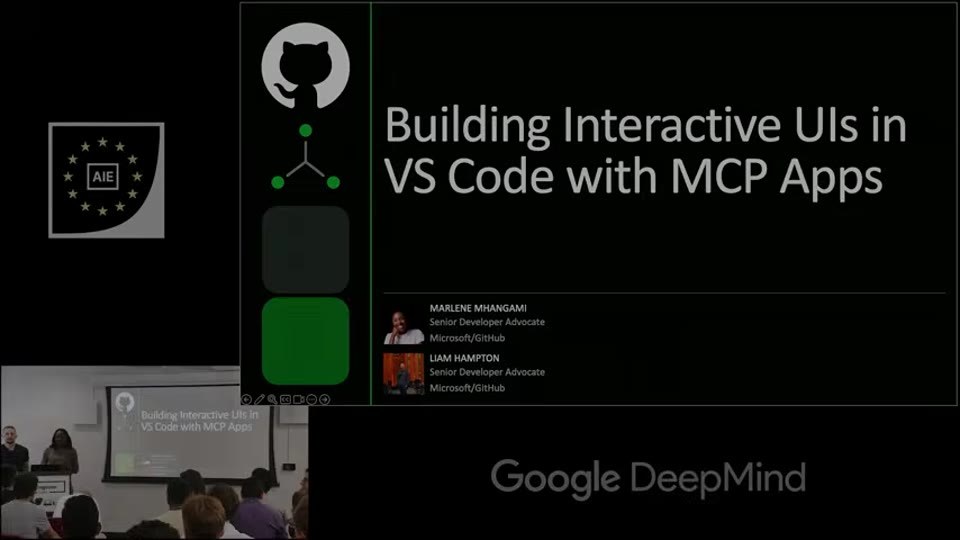
- Recreated text/layout view: open HTML recreation
- AI slide classifier:
title_cardconfidence0.98 - Text source: agent_vision.
Slide text:
Building Interactive UIs in VS Code with MCP Apps
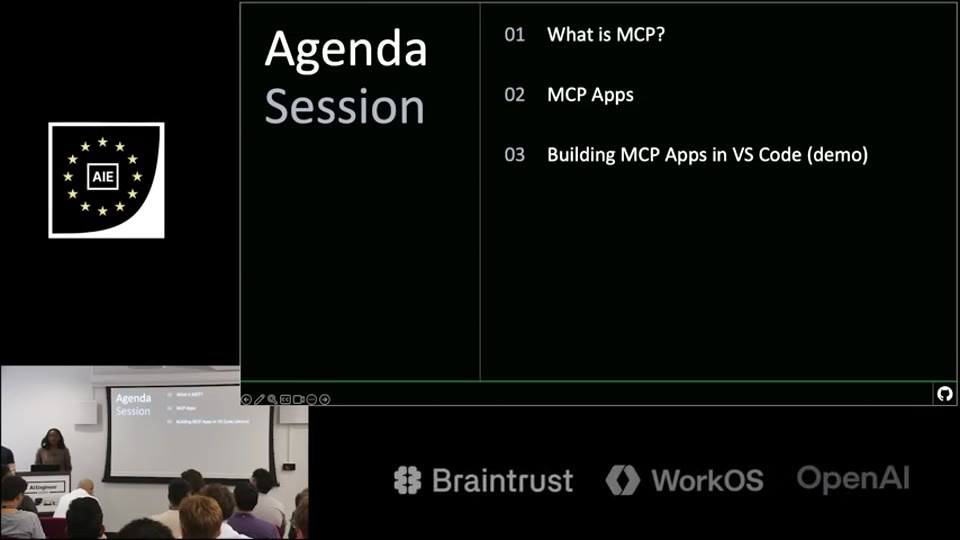
- Recreated text/layout view: open HTML recreation
- AI slide classifier:
content_slideconfidence0.99 - Text source: agent_vision.
Slide text:
Agenda Session
01 What is MCP?
02 MCP Apps
03 Building MCP Apps in VS Code (demo)
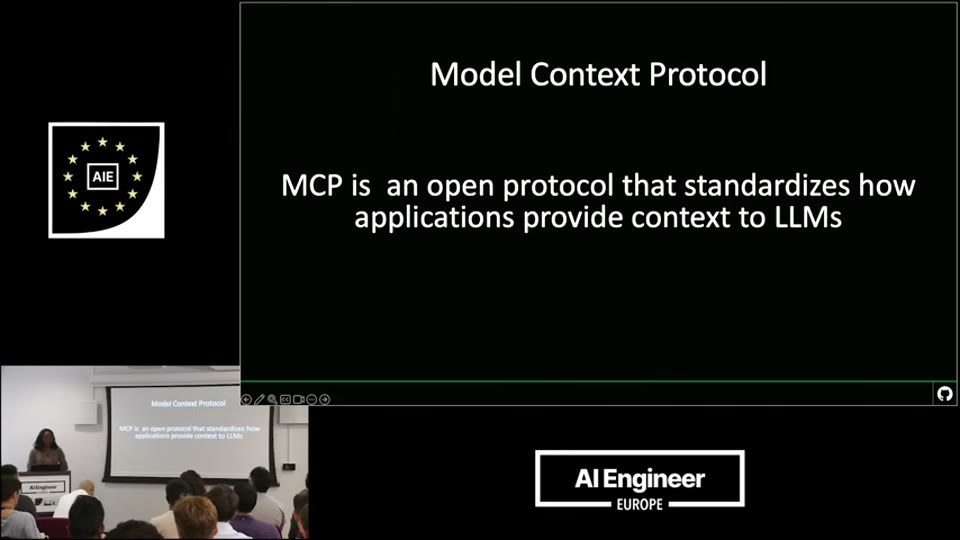
- Recreated text/layout view: open HTML recreation
- AI slide classifier:
content_slideconfidence0.98 - Text source: agent_vision.
Slide text:
Model Context Protocol
MCP is an open protocol that standardizes how applications provide context to LLMs
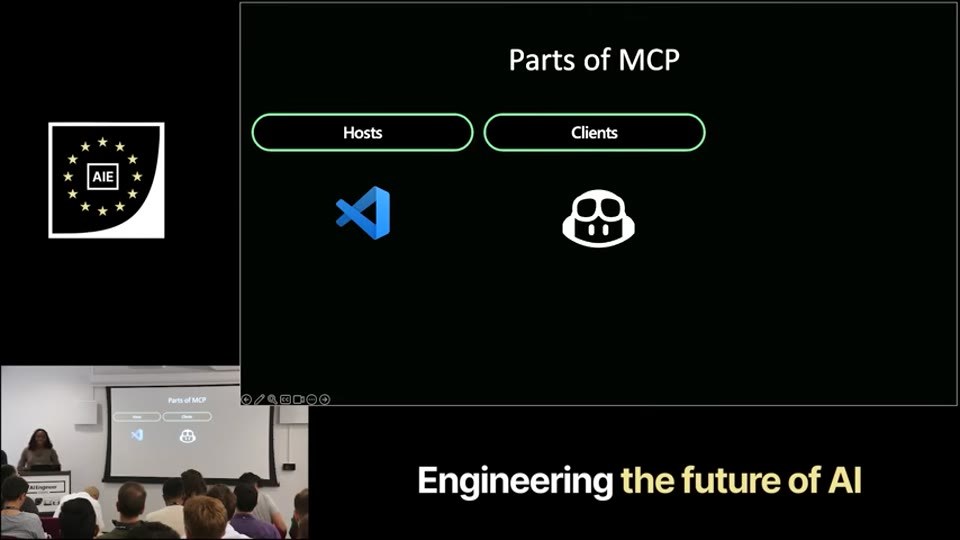
- Recreated text/layout view: open HTML recreation
- AI slide classifier:
content_slideconfidence0.97 - Text source: agent_vision.
Slide text:
Parts of MCP
Hosts
Clients
- Recreated text/layout view: open HTML recreation
- AI slide classifier:
content_slideconfidence0.96 - Text source: advanced OCR
rapidocr-live/border-trim/opencv-adaptive. - OCR decision: ready — Dense screenshot with small embedded text; OCR is more suitable than direct transcription.
Slide text:
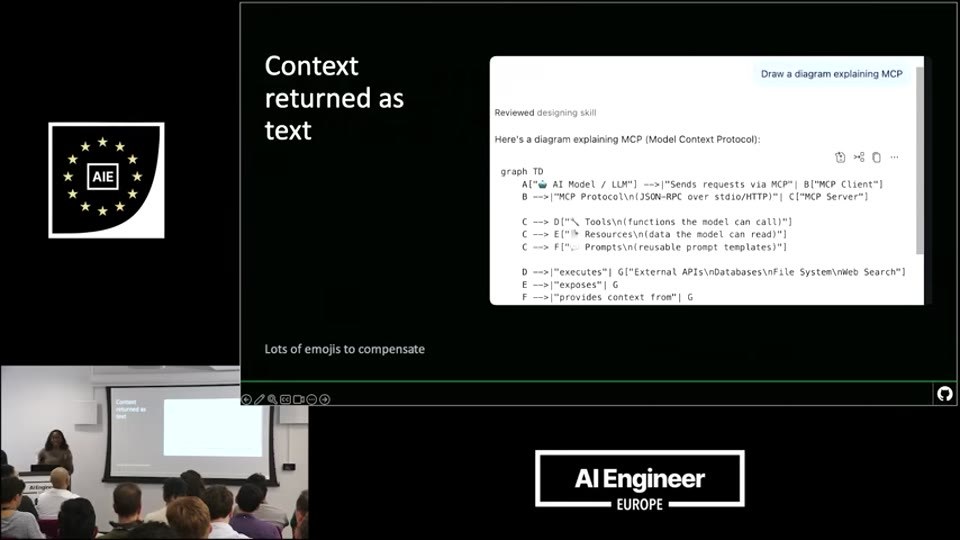
returnedas Context Drawadagram oxpiaining Mcp
text Rey.owed I.: Here's J diagram ciplainrg Vcp (yodel Context Prolocot]
★ ★ ¥ AIE 9ph10 [.iuii] dyH.i8. -u)h ciA 6isornu s0uds..I-.- I.hi / 1ogod iY.l4 B---!"HCP ProtoCoi\nIJS-RPC ovcr sGio/HIIP)"! CI"P<P SCrvc"
(-->El""Aesour<esfat the rocel ( read)"」 C --> Dl"< Toolsin(fuctions the rouel Can cal!") ··f[. Pronptsinirrusablr p"ongt trrplatrsi")
D ---l"ciccutes"I G!"Extcrrat APis\nDatabnses\n:le Systcln"c Scarch"] E-->i"c"cOCs"G
F -->i"orviis (ontt rron"|G
Lots of emojls to compensate
7.
AIEngineer
EUROPE
- Recreated text/layout view: open HTML recreation
- AI slide classifier:
content_slideconfidence0.97 - Text source: advanced OCR
rapidocr-live/border-trim/opencv-adaptive. - OCR decision: ready — Product slide with multiple dense UI screenshots and small supporting text; OCR is more appropriate than manual transcription.
Slide text:
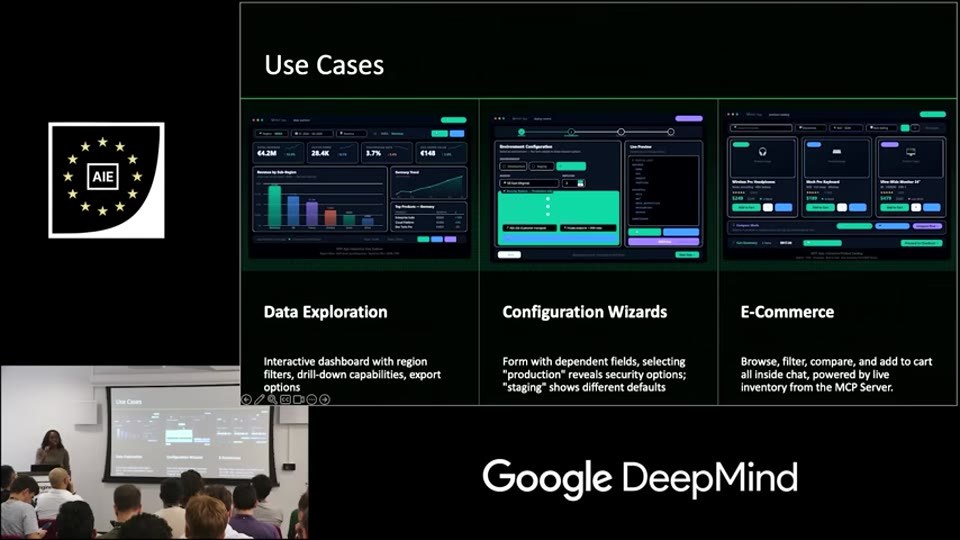
Use Cases
AIE
+
Data Exploration Configuration Wizards E-Commerce
Interactive dashboard with region filters, drill-down capabilities, export options "production" reveals security options;) Form with dependent flelds, selecting 'staging' shows different defaults all Inslde chat, powered by Iive. Browse, filter, compare, and add to cart Inventory from the McP Server
Google DeepMind
- Recreated text/layout view: open HTML recreation
- AI slide classifier:
content_slideconfidence0.98 - Text source: agent_vision.
Slide text:
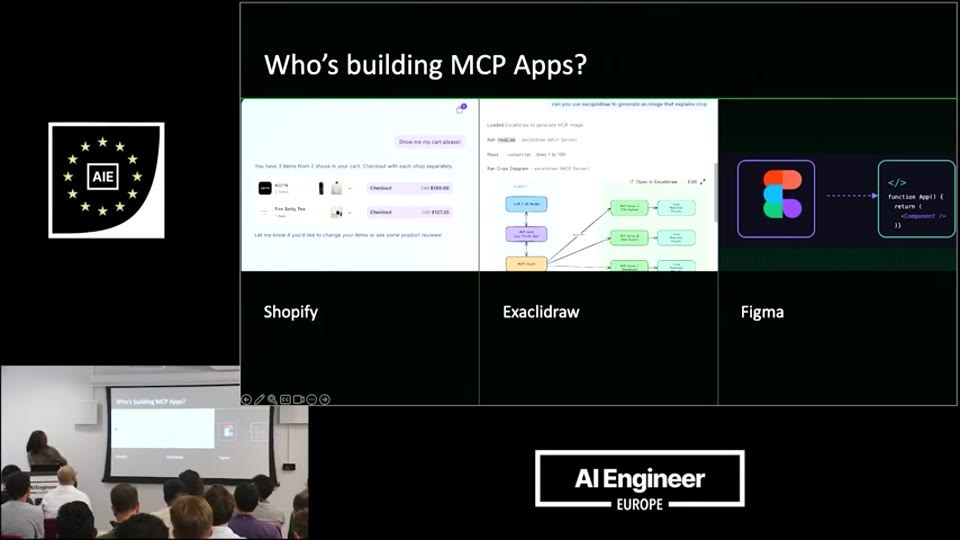
Who's building MCP Apps?
Shopify
Excalidraw
Figma
- Recreated text/layout view: open HTML recreation
- AI slide classifier:
content_slideconfidence0.99 - Text source: agent_vision.
- OCR decision: ready — Dense editor screenshot with small UI text and multiple sections; OCR will do better than manual transcription.
Slide text:
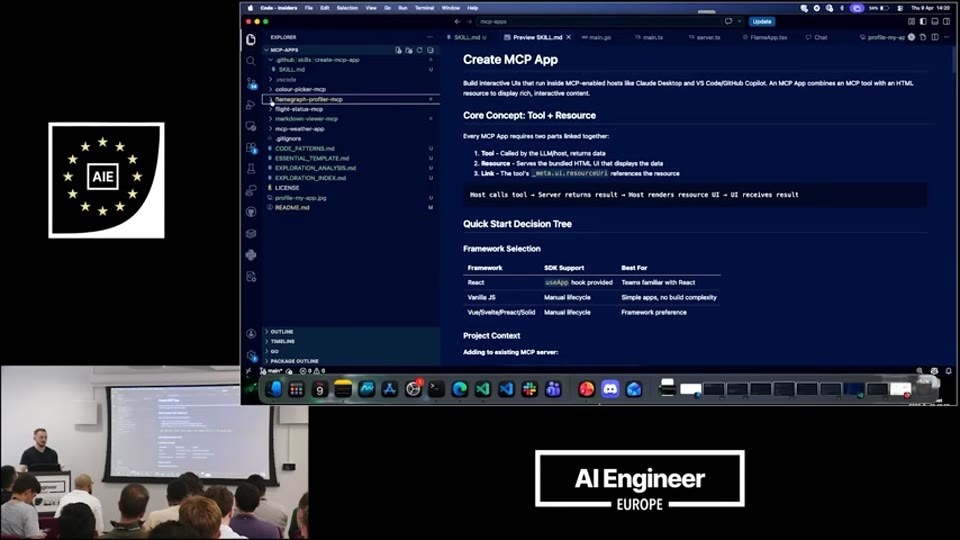
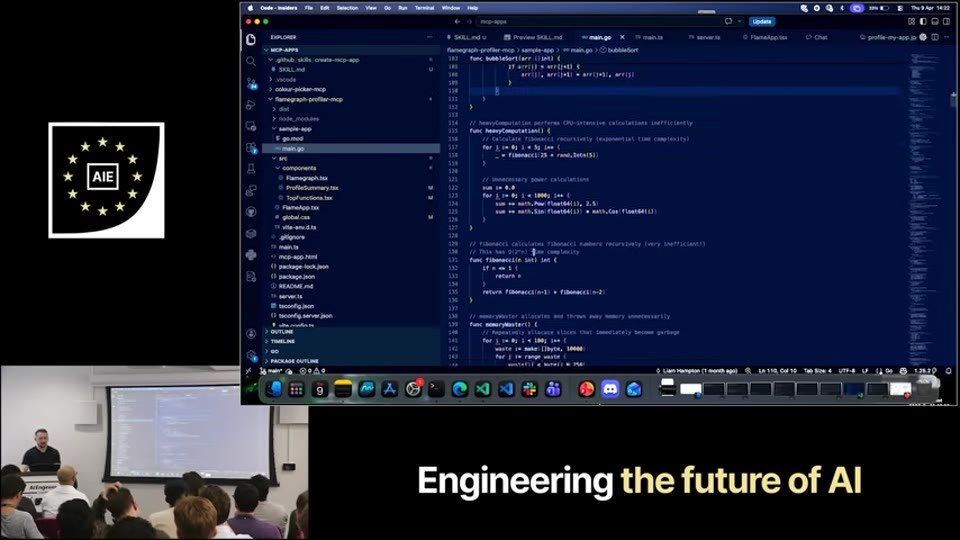
Create MCP App
- Recreated text/layout view: open HTML recreation
- AI slide classifier:
content_slideconfidence0.99 - Text source: none.
- OCR decision: ready — Code-heavy slide with small text and IDE chrome; OCR is the right extraction path.
- Recreated text/layout view: open HTML recreation
- AI slide classifier:
content_slideconfidence0.97 - Text source: none.
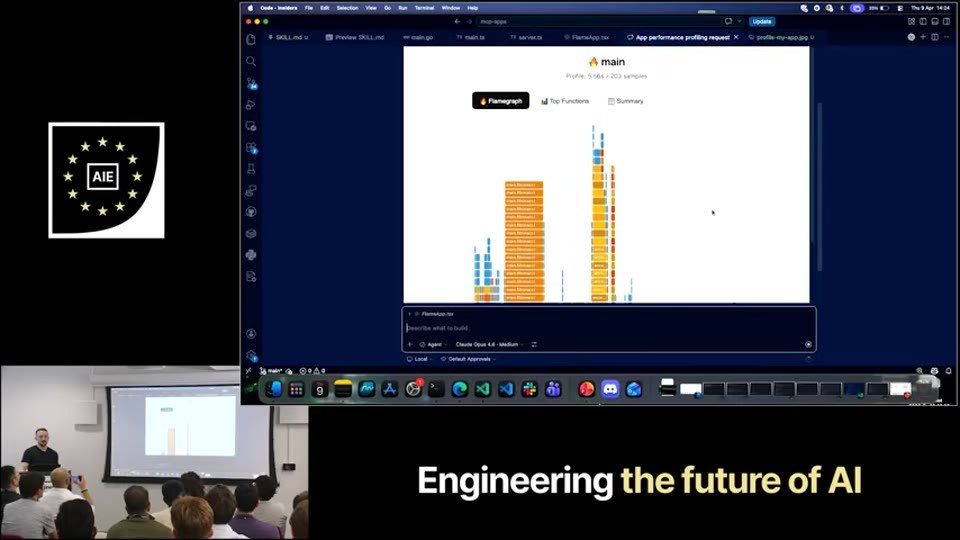
- OCR decision: ready — Chart/profile screenshot with tiny labels and dense visual data; OCR will help more than direct transcription.
- Recreated text/layout view: open HTML recreation
- AI slide classifier:
content_slideconfidence0.96 - Text source: agent_vision.
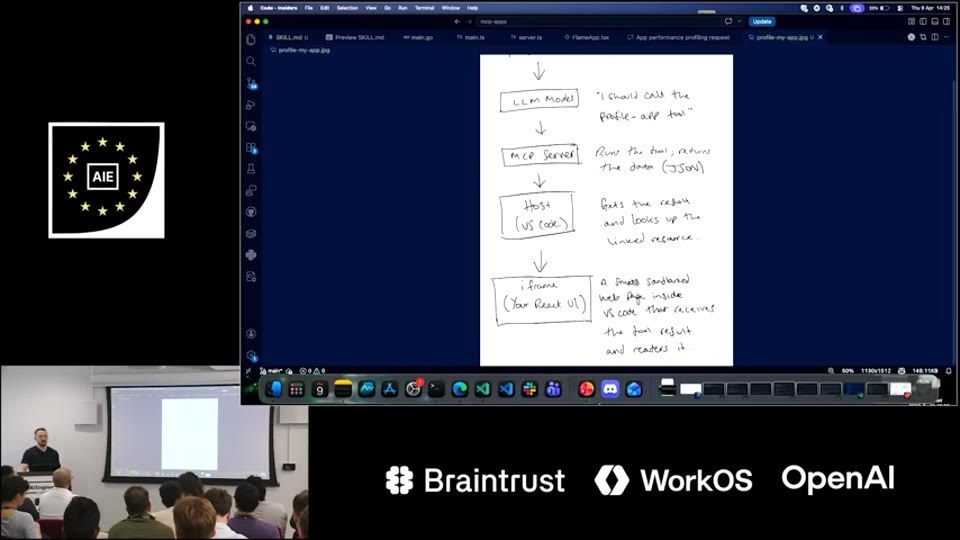
Slide text:
LLM Model
MCP Server
Host (VS Code)
iframe (Your React UI)
Hidden Non-Slide Evidence
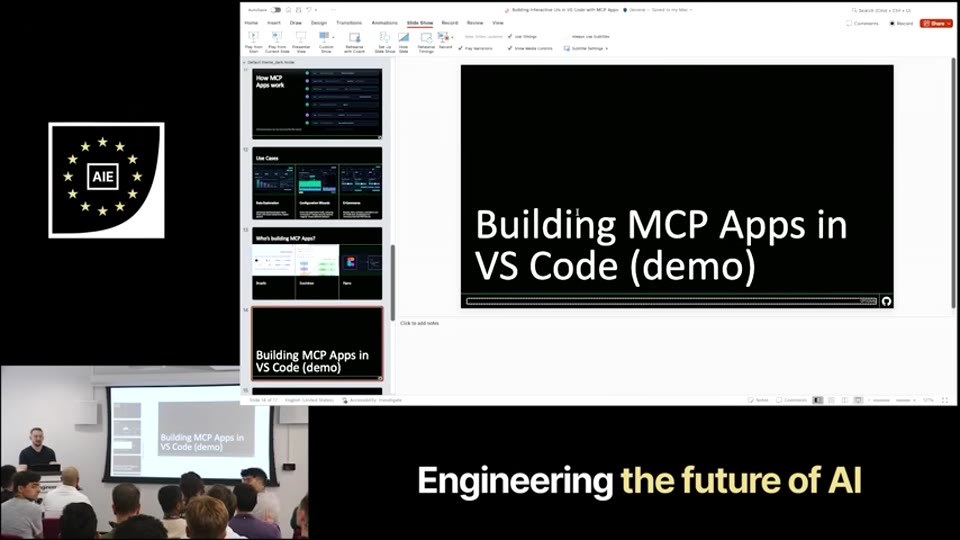
- `slide-008.jpg` —
demo_videoconfidence0.85; PowerPoint editor UI and stage-camera inset; not a clean slide frame.
Classification audit: raw/sources/slide-ai-classification/slides/_xIwFcnHqp4/audit.json
Slide-Derived Subjects To Review
Subject extraction uses video title, related session titles/descriptions, transcript context, and OCR text when available. OCR is best-effort and should be reviewed against the embedded slide images.